Water: status or exact values
Hide readings, show their status or share exact values. Status reflects recorded measurements, not water safety certification.
Your work, visible to customers. Only what you choose to share.
A private link to their pool maintenance history, without another account. An optional way to build trust and set your business apart.
Start a 30-day free trialNo credit card · You choose who gets access
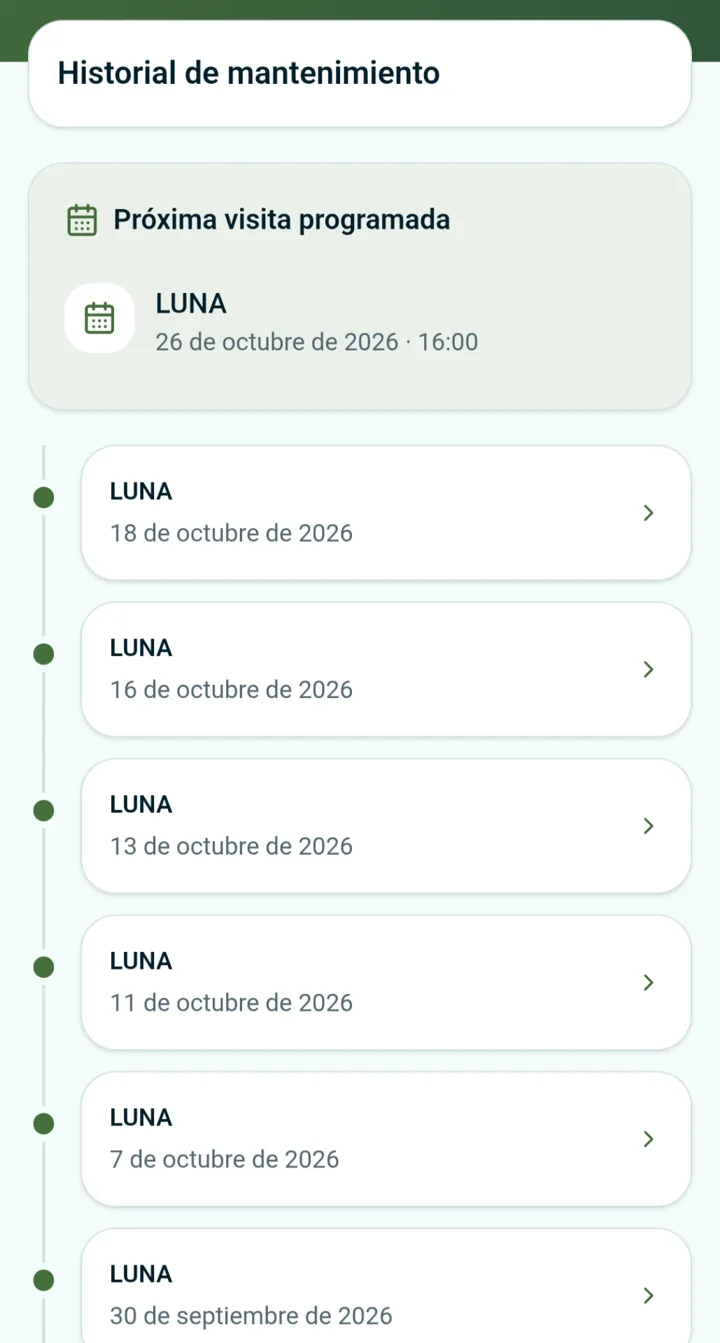
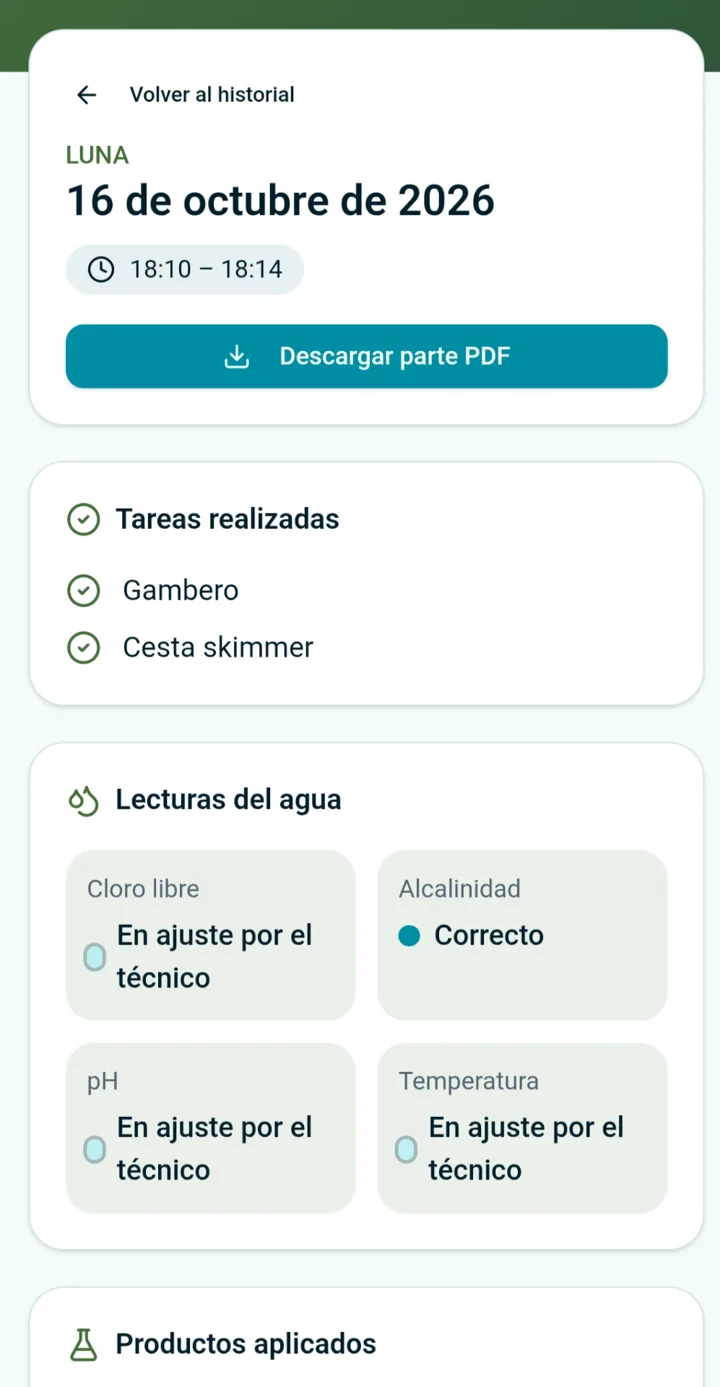
Real screenshots of the Spanish version. The interface is also available in English, French, German, Italian and Portuguese.
Hide readings, show their status or share exact values. Status reflects recorded measurements, not water safety certification.
Share product names only or include quantities. You can also hide products entirely.
Independently enable tasks, photos, incident titles and status, visit times, the next appointment and PDF downloads.
Choose shared pools, the history start date and access expiry. Revoke access or replace the link whenever needed.
Turn on the company portal in Settings. Nobody receives access automatically.
Select pools and visibility settings in the customer record, then save access.
Invite by email, copy the link to share it or include it in visit notifications while access is active.
No. Decide whether your company offers the portal, then enable individual customers with their own pools and permissions.
No. They use a private link. Anyone holding that link can see the shared information: send it only to the recipient and replace it when needed.
No. Names-only mode excludes quantities from the portal and its PDF. Status mode also excludes numeric water values.
It uses your branding, but the portal PDF follows its permissions and may contain less than the emailed report. Also review what you share in that email.
No. The technician or administrator signs. Owners view the completed, signed visits you authorise.
Disabling the portal, removing customer access or expiry stops access. Replacing the code invalidates the old link. Copies and previously downloaded PDFs are not removed.
No credit card · You choose who gets access